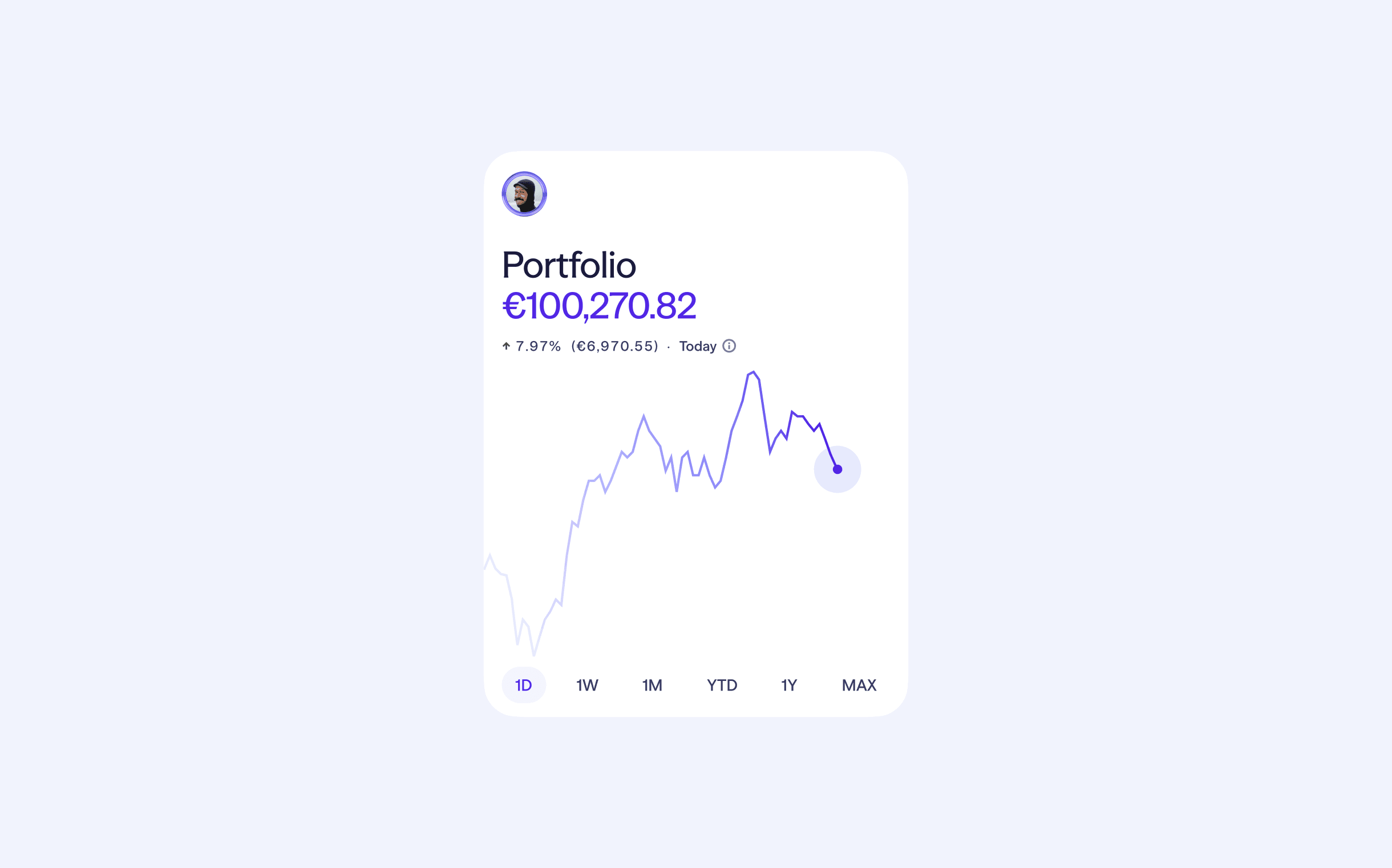
PnL is the north star number for tracking your portfolio performance
To make it as smooth for you as possible, we've just shipped five improvements to how PnL is calculated and shown on Lightyear. Together, these updates make your numbers more accurate, more consistent across timeframes, and give you a better understanding of how your investments are actually doing.
Here's what's new
1. More precise PnL calculations
Each deposit and withdrawal is now included in PnL calculations using the FX rate that was live at the exact moment the cash movement happened. And that value stays put, meaning any FX impact in your PnL reflects real gains or losses from your actions, instead of floating exchange rates.
This change only affects customers who move cash across multiple currencies, or view their portfolio in a different currency from the one they deposit in. If you stick to one currency, nothing changes for you.
2. Time-based Portfolio PnL
Your PnL value now matches the portfolio chart timeframe you've selected: 1D shows today’s PnL, 1M shows last month, YTD shows year to date, and so on.
To check out PnL across all timeframes without changing your chart, you can flick through them from the little information button next to your chart PnL. From the same screen, you can also dive into the specific calculation for all timeframes.
3. Two portfolio performance charts: PnL and total value
When you deposit or withdraw cash, transfer shares from another broker, or move money between your Lightyear accounts, your portfolio chart spikes up or down. And that can make it tricky to see how your underlying investments are actually doing. So we've added a dedicated Profit and Loss portfolio chart. It takes your total portfolio value chart and filters out all the cash movements, leaving you with a clean view of your investment performance over time.
You can switch between Total portfolio value and Profit and loss charts from the settings button at the bottom right of your portfolio chart.
4. Sharper realised PnL on sell orders
When you sell an instrument, your Activity screen shows a "Gains/Loss" figure for the order. That number now uses the average cost calculation method, matching what you see on your Instrument screen and your Capital Gains Statement. We also implemented a smarter approach to FX for sell orders in a currency different from your account currency.
End-of-day FX rates are the daily reference points used across the industry for reporting and tax purposes, just like on your Lightyear Capital Gains Statement. The catch: end-of-day rates are only published once the trading day has closed. So, to give you timely numbers without sacrificing accuracy, we use a two-step approach:
- On the day of your sell order, we use the closest 5-minute FX rate to the execution time. The figure is marked as estimated because end-of-day FX rates aren't available yet.
- The next day, we recalculate using the end-of-day FX rate. The number becomes final and matches what shows up on your Capital Gains Statement.
So you get timely numbers immediately and they sharpen into the official figures once the rates settle. If your instrument and account currency are the same, nothing changes.
5. You can now choose the PnL calculation method in your app
Choose between Weighted Average Cost and First In, First Out (FIFO) for the profit and loss calculation you see in your Lightyear app.
- Weighted Average calculates the average cost of all units held, updating the average each time you make a new purchase. The cost basis for any sale is determined by this average.
- FIFO assumes that the earliest acquired units are sold first. The cost basis for each sale is matched against the oldest remaining purchase.
The default method is Weighted Average, so there’s no need for action if you want to continue with that. To change it, navigate to ‘Cost basis method’ in account settings.
A small note on what you might see
As we've changed how some calculations work behind the scenes, your PnL numbers might look slightly different from before. That’s expected, as the new numbers will be more accurate than the ones shown before. If you have any questions about the new calculations, feel free to reach out to our support team.